Smartphones have become an essential part of everyday life. We use them to communicate with family, manage work, learn new skills, navigate unfamiliar places, and relax after a long day. However, checking a phone for a few minutes can easily turn into an hour of scrolling through social media, watching videos, or browsing websites.
If you feel that your phone is taking up more of your time than you would like, you do not necessarily need to delete every app or give up your smartphone. A few practical changes can help you become more intentional about how you use your device.
In this guide, you will learn how to reduce screen time, avoid unnecessary distractions, and build healthier smartphone habits without losing the benefits of modern technology.
Why Is It So Easy to Spend Too Much Time on Your Phone?
Many smartphone activities are designed to keep us engaged. Social media feeds offer an endless stream of content, messaging apps encourage frequent checking, and notifications constantly draw our attention back to the screen.
Sometimes, we reach for our phones because we are bored, stressed, or simply following a habit. We may open an app without having a specific reason and continue using it long after we intended to stop.
Understanding these patterns is the first step toward making a change. The goal is not to treat every minute of screen time as bad. Instead, it is to make sure that phone use supports your priorities rather than regularly interrupting them.
1. Check Your Current Screen Time
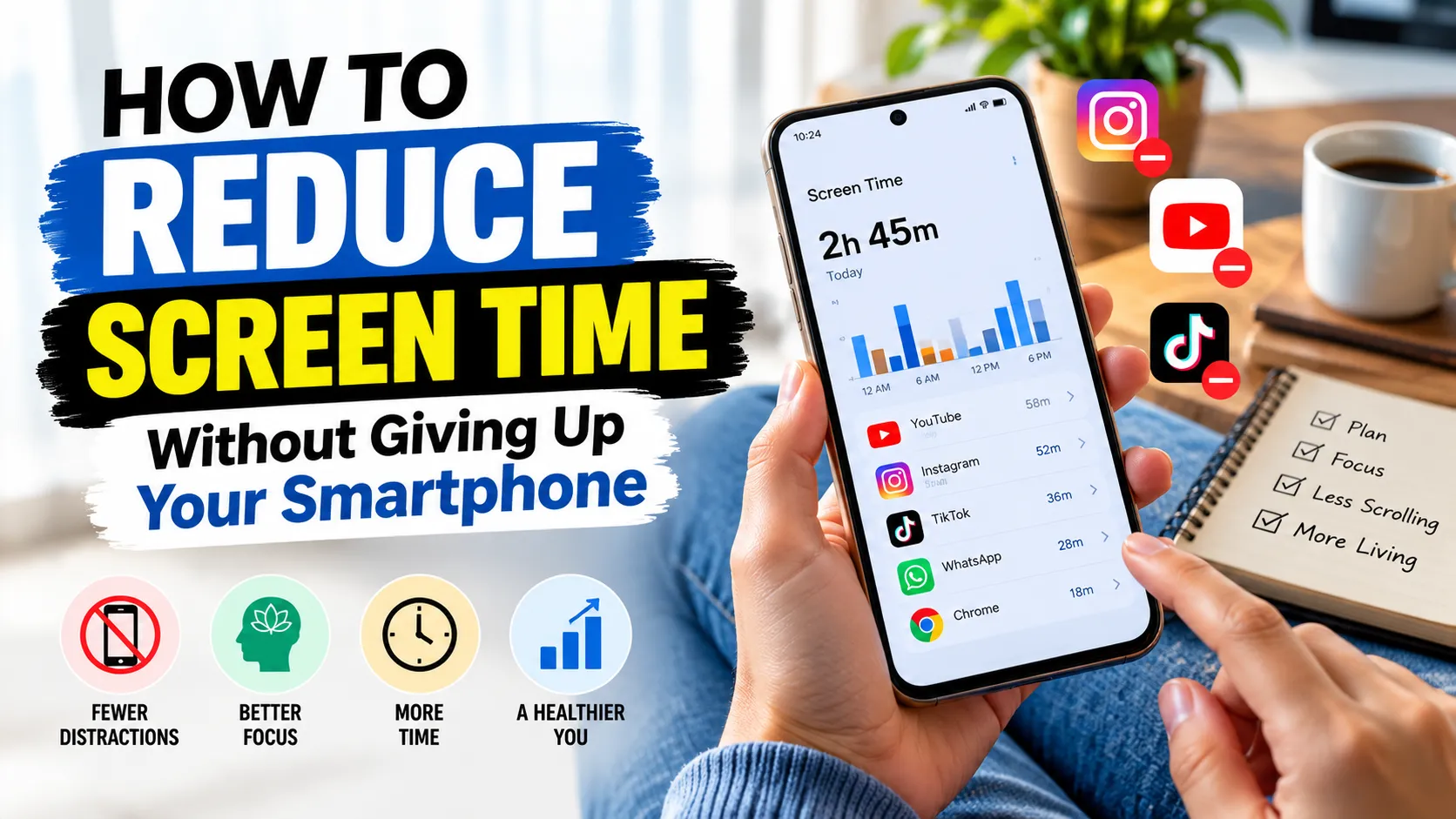
Before trying to reduce your phone usage, find out how much time you currently spend on your device. Most modern smartphones include built-in tools that show daily screen time and app usage.
On an iPhone, you can check Screen Time in Settings. On many Android phones, Digital Wellbeing provides similar information.
Look for patterns rather than judging yourself by a single number. You might discover that you spend more time than expected on short videos, social networking apps, games, or news feeds.
Choose one area to improve first. For example, if social media takes up most of your discretionary screen time, start there instead of trying to change every digital habit at once.
2. Turn Off Unnecessary Notifications
Notifications can interrupt your concentration even when you do not intend to use your phone. Every alert creates an opportunity to stop what you are doing and check the screen.
Review the notification settings for your apps and disable alerts that are not important. You might keep calls, essential messages, calendar reminders, and work-related alerts while turning off promotional notifications and unnecessary social media updates.
You can also use Focus modes or Do Not Disturb during work, study, meals, or other activities that require your attention.
You do not need to silence everything. The idea is to allow important information through while reducing interruptions that do not require an immediate response.
3. Set Daily Limits for Distracting Apps
If you regularly spend longer than intended on certain apps, try setting a daily usage limit. Android Digital Wellbeing and Apple’s Screen Time offer tools that can help you manage app usage.
Start with a realistic limit based on your current habits. If you usually spend two hours on a social media app, setting a very strict limit immediately may be difficult to maintain. A gradual reduction could be easier.
Remember that app limits are reminders and controls, not a complete solution. Depending on your device settings, you may be able to dismiss or bypass them. Their real value comes from helping you pause and make a conscious decision about whether you want to continue.
4. Keep Your Phone Away During Important Tasks
Having your phone within easy reach can make checking it almost automatic. Even a quick glance at a notification may interrupt a task and make it harder to return to your previous level of concentration.
When working, studying, reading, or completing an important task, try placing your phone in a bag, drawer, or another location that is not immediately accessible.
If you need your phone for work, keep only essential notifications enabled and avoid opening unrelated apps. You can also use a computer for certain tasks if it helps you separate work from recreational browsing.
Start with one distraction-free period each day. Once that becomes comfortable, you can extend it to other parts of your routine.
5. Create Phone-Free Times in Your Day
Instead of trying to avoid your phone all day, establish a few specific periods when you deliberately put it aside.
For example, you might choose to:
- Avoid social media during the first 20 minutes after waking up.
- Keep your phone away while eating meals with family or friends.
- Take short breaks without watching videos or checking feeds.
- Spend part of your evening reading, exercising, or enjoying a hobby.
- Reduce unnecessary phone use before bedtime.
These boundaries do not have to be strict rules for every situation. Adjust them to fit your work schedule, family needs, and responsibilities.
6. Replace Scrolling With an Alternative Activity
One reason people struggle to reduce screen time is that they remove a habit without replacing it with something else. If scrolling is your usual response to boredom, you may return to it simply because you have nothing else planned.
Think about activities you enjoy or would like to do more often. You could take a walk, read a book, prepare a meal, listen to music, organize your workspace, or spend time talking with someone.
Keep an easy alternative available. Place a book near your favourite chair or keep a notebook on your desk. When you feel the urge to open a distracting app, try one of these activities first.
You do not need to eliminate entertainment from your life. The goal is to have more choices about how you spend your free time.
7. Make Your Smartphone Less Distracting
A few small changes to your phone’s appearance and layout can make unnecessary usage less tempting.
- Move distracting apps away from your home screen.
- Remove social media shortcuts that you rarely need.
- Organize essential apps into clearly labelled folders.
- Use a simple wallpaper and a less cluttered home screen.
- Consider grayscale display settings if colourful apps encourage frequent checking.
- Uninstall apps that you no longer use or genuinely need.
These changes will not automatically reduce your screen time, but they can introduce a small pause between the urge to check your phone and the action itself.
8. Avoid Using Your Phone as an Alarm Clock When Possible
For some people, checking a phone first thing in the morning starts a cycle of notifications and scrolling before the day has properly begun.
If this sounds familiar, consider using a separate alarm clock. Keeping your phone away from your bed may also make it easier to avoid checking messages as soon as you wake up.
If you prefer using your smartphone as an alarm, enable a suitable Focus mode and keep distracting apps closed overnight. Choose an arrangement that works for your household and allows important calls to reach you when necessary.
9. Review Your Screen Time Every Week
Reducing screen time is easier when you can see whether your efforts are making a difference. Check your device’s weekly usage report and compare it with your previous week.
Look at both the amount of time you spend on your phone and the activities that account for that time. An hour spent learning a new skill may serve a different purpose from an hour of unplanned scrolling.
If your usage has not changed, do not assume that you have failed. Identify what made the plan difficult and adjust it. You might need a more realistic app limit, fewer notifications, or a better alternative activity.
Focus on progress that improves your everyday life rather than trying to achieve the lowest possible screen-time number.
10. Try a Simple Seven-Day Screen-Time Plan
If you are unsure where to begin, use the following plan as a starting point. Adapt it to your schedule and repeat the steps that work best for you.
- Day 1: Check your screen-time report and identify your most distracting apps.
- Day 2: Turn off unnecessary notifications.
- Day 3: Set a realistic daily limit for one distracting app.
- Day 4: Keep your phone away during one important task.
- Day 5: Create a phone-free period during a meal or another daily activity.
- Day 6: Replace one scrolling session with a hobby, walk, or other enjoyable activity.
- Day 7: Review your progress and choose two habits to continue.
There is no need to follow this plan perfectly. Its purpose is to help you experiment with small changes and discover which ones are practical for your lifestyle.
Frequently Asked Questions
How can I reduce screen time without deleting social media?
Start by turning off unnecessary notifications, setting app limits, and deciding when you want to use social media. You can continue using your favourite platforms while reducing unplanned browsing.
What is a reasonable amount of screen time per day?
There is no single daily limit that is appropriate for every adult. Work, education, communication, accessibility, and entertainment all contribute to screen time. Consider whether your usage affects sleep, physical activity, relationships, or important responsibilities.
Does using a phone before bed affect sleep?
Phone use before bed may delay bedtime, increase mental stimulation, or expose you to content that keeps you engaged. Reducing stimulating activities before sleep and keeping a consistent bedtime routine may help. Individual experiences vary.
Are app timers effective for reducing phone usage?
App timers can help by making usage more visible and reminding you when you reach a chosen limit. They tend to be more useful when combined with notification controls and alternative activities.
Should I stop using my smartphone completely?
Most people do not need to give up their smartphones to develop healthier digital habits. A more practical approach is to keep the features that support your life while managing activities that regularly consume more time than intended.
Final Thoughts
Learning how to reduce screen time does not mean rejecting technology. Smartphones can be useful tools for communication, work, education, and entertainment. The challenge is to use them intentionally.
Begin by checking your current habits, switching off unnecessary notifications, and setting aside a few phone-free periods. Replace some unplanned scrolling with activities you enjoy, and review your progress each week.
Small, realistic changes can help you build a healthier relationship with your smartphone over time. You do not have to change everything today. Choose one habit, practise it consistently, and build from there.